
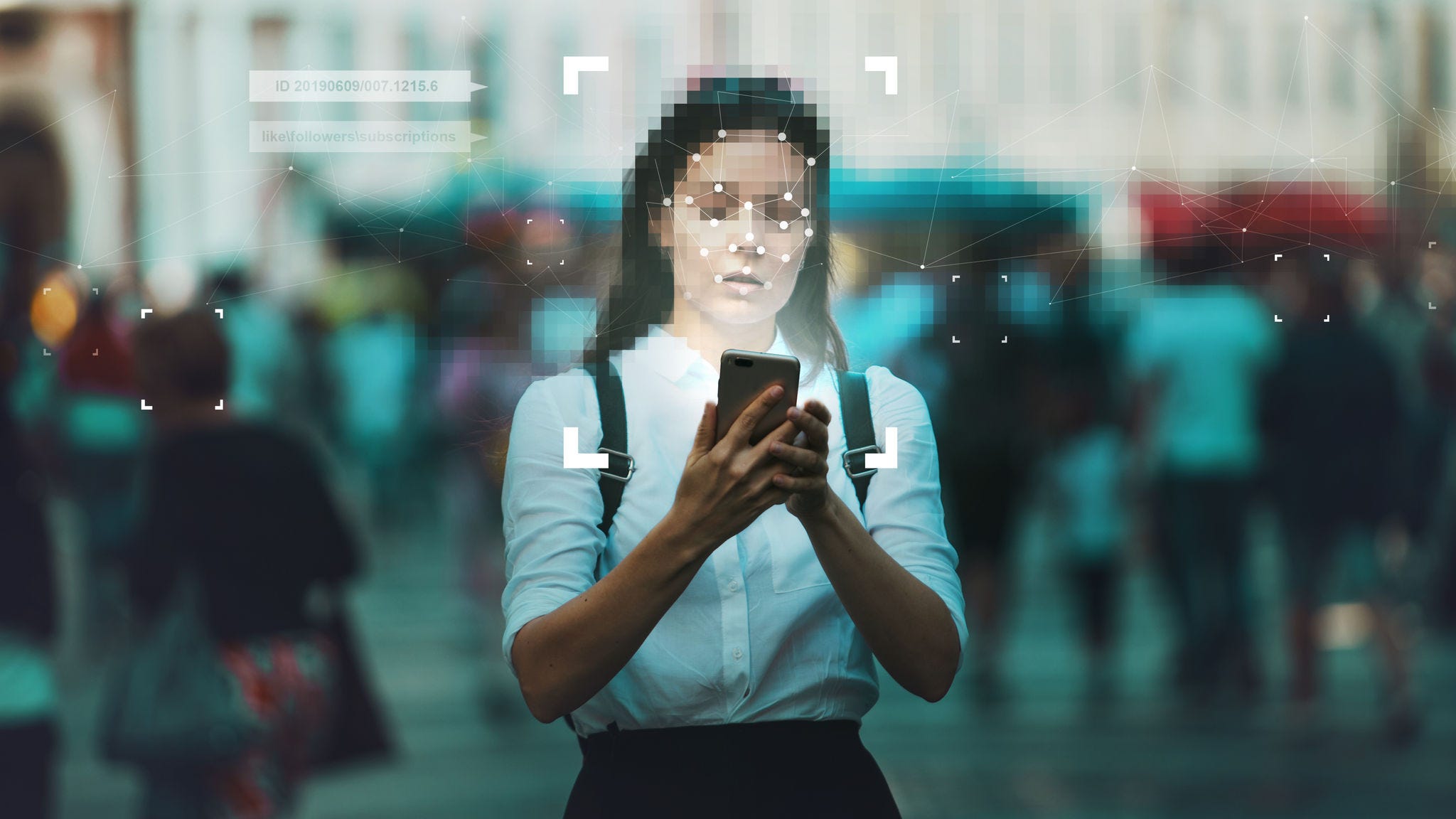
Open a browser-based photo editor. Drag in a photo. The interface appears, sliders slide, adjustments preview in real time. It feels local. It feels like the software is running on your machine.
For most web-based editors, it isn't. That file left your device the moment you dropped it in. It traveled to a server — somewhere — got decoded and processed there, and the preview you're looking at is a rendered result sent back to your browser. The original file is sitting on infrastructure you don't own, operated by a company you may have never read the privacy policy of.
Why This Happens
Server-side processing is the easier engineering path. RAW decoding is computationally intensive. Running it in the cloud means the developer doesn't have to worry about your device's specs — a fast server handles the work, and everyone gets the same experience. It's a reasonable technical choice. But it has a cost that gets paid by the user, not the developer.
For most photos, it probably doesn't matter. A landscape from a weekend hike, a snapshot at a birthday party — these aren't sensitive in a way that makes server processing concerning. But people use photo editors for all kinds of things. Wedding photographers editing client work. Journalists working on images that aren't yet published. Parents who'd rather keep photos of their kids off third-party servers. Medical professionals. Anyone with a reasonable interest in keeping their files on their own machine.
“Once a file leaves your device, you're relying on someone else's security practices, retention policies, and business decisions to protect it. That's a lot of trust to extend by default.”
— PhotoMonk team
How PhotoMonk Works Differently
PhotoMonk runs entirely in your browser using WebAssembly and WebGL — the same low-level browser technologies that power games, scientific simulations, and video editing tools. When you open a RAW file in PhotoMonk, the decoding, rendering, and every subsequent adjustment happens on your CPU and GPU. The file never leaves your machine. There is no server receiving it. There is no upload.
This isn't a privacy policy promise. It's a technical reality. PhotoMonk has no backend that receives image data. We couldn't see your photos even if we wanted to — there's no infrastructure for it.
PhotoMonk processes everything locally. Your photos never leave your device. There's no account, no upload, and no server receiving your files — by design, not just by policy.
What This Means in Practice
It means you can edit on a plane without Wi-Fi. It means you can work with client photos without wondering about your liability under a photographer's contract. It means you can edit photos of your kids without those images hitting a third-party server. It means the photos from your camera stay between you and your editor.
It also means PhotoMonk loads fast — there's no upload roundtrip to wait for. Drag in a CR2 file and it's on screen in seconds. Adjustments preview in real time because the compute is happening right where you're sitting.
A Word on Trust
We're not suggesting that cloud-based editors are malicious. They're not. But privacy should be the default, not the premium tier. You shouldn't have to pay extra for a guarantee that your files stay private, and you shouldn't have to read a privacy policy to understand where your photos end up.
With PhotoMonk, the answer is simple: they stay on your device. That's it. Try it — you don't even need to create an account.
“The most private cloud is the one you never use.”
— PhotoMonk team